
How to Translate and Type from Hindi to Marathi? (Complete Guide)
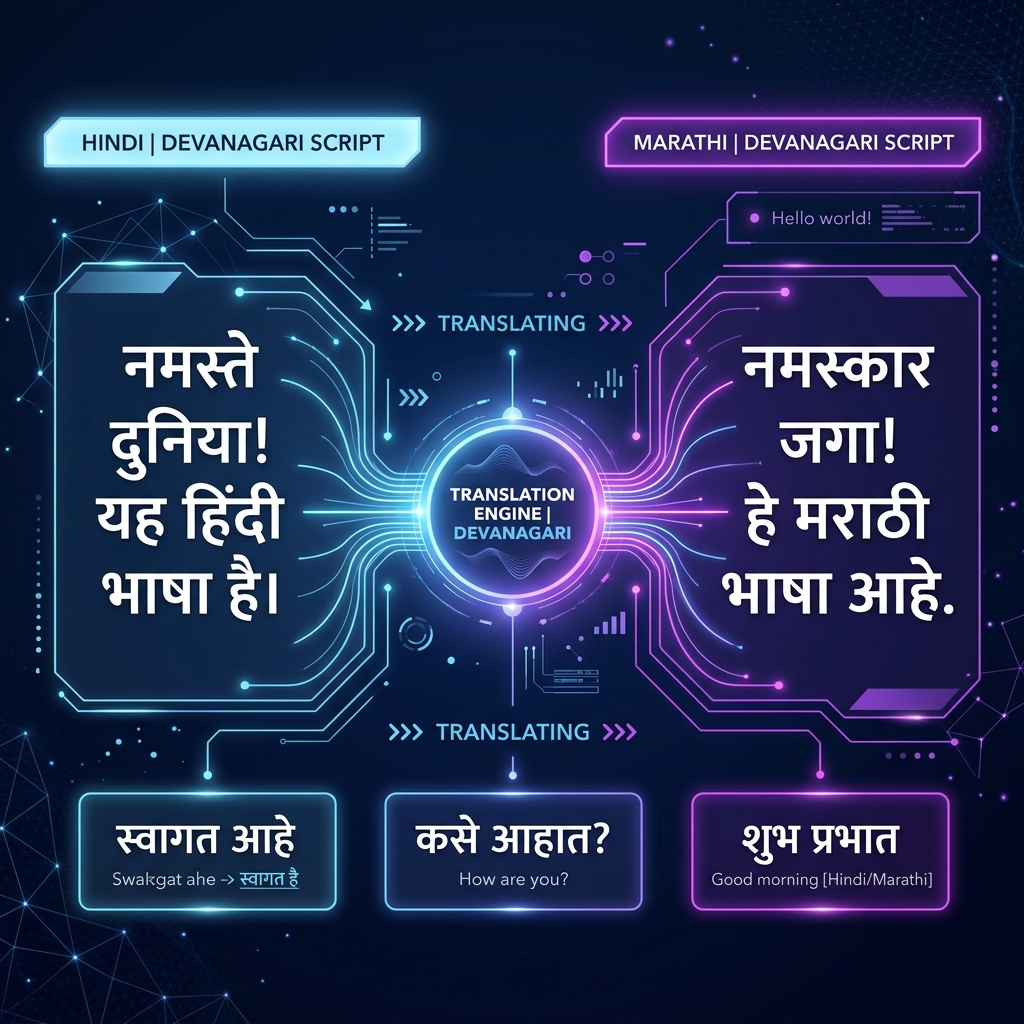
India is a multilingual country, where hundreds of languages and dialects are spoken. Among these, Hindi and Marathi are two of the most important and widely used languages. There is a deep historical and linguistic connection between Marathi, the official language of Maharashtra, and Hindi, the most popular language of the country.
If you are a Hindi speaker or know how to write in Hindi, but you need to type and translate in Marathi for professional work, blogging, social media, or personal needs, then this article is a guide for you.
It is often observed that people find it very difficult to learn the Marathi keyboard layout (like InScript or Remington), as remembering their keys and combinations takes a lot of time. But with the development of modern web technology, you no longer need to learn the traditional complex keyboards to type Marathi.
By using the special in-built tools available on our website TypeHindi.in, you can very smoothly translate and type purely and accurately in Marathi using just Hindi or English input. Let's find out how to accomplish this process step-by-step.
The Devanagari Link Between Hindi and Marathi Languages
First of all, it is essential to know that both Hindi and Marathi languages are written in the Devanagari script. This means that most of the characters (vowels and consonants) of both languages look alike. For example, 'क', 'ख', 'ग', 'अ', 'आ' are common characters in both languages.
However, there are also some differences in the phonetic structure and alphabet of both languages:
Since both languages share the Devanagari script, translating and transliterating between them is much easier and accurate as compared to other languages (like Hindi to Tamil or Telugu).
Translation vs Transliteration
Before starting Marathi typing, we need to understand the difference between these two important processes:
At TypeHindi.in, we have combined both techniques to develop an extremely powerful and easy system.
How to use TypeHindi's In-built Tools
To make Marathi typing and translation easy, we have developed two special tools which you can use directly on your browser.
1. Hindi to Marathi Translator
If you already know how to type Hindi, this tool is best for you. Through this, you can directly convert your Hindi typing into Marathi.
Method to use:
2. English to Marathi Translator
If you do not know Hindi typing but want to type Marathi using an English (Hinglish/Marathi-English) keyboard, this tool is most useful for you.
Method to use:
Practical Tips and Examples for Marathi Typing
To get the most out of our tools and increase your typing speed, follow these practical rules:
* How to type the special character 'ळ': In the English to Marathi translator, to type 'ळ', you have to use the English 'L' or 'l' button according to the pronunciation of the word. For example, typing 'k-a-a-l' will make it 'काळ'. * Joint letters (Half letters): Conjunct consonants are used a lot in Marathi (like 'प्रकार', 'राष्ट्रीय', 'ज्ञानेश्वर'). In our English to Marathi converter, you can write them phonetically in English. Like typing 'p-r-a-k-a-r' will form 'प्रकार', and typing 'g-y-a-n-e-s-h-w-a-r' will form 'ज्ञानेश्वर'. * Error Correction: If a word does not convert correctly automatically, press backspace. Our system will show you a list of possible correct Marathi words (Suggestions), from where you can choose a word of your choice.
If you want to increase your basic typing speed, practice daily on our Practice Tool. This will clearly bring an improvement in your finger flexibility and speed.
Why is TypeHindi Better than Traditional Keyboards?
Traditionally, there were two main methods available for typing Marathi:
Benefits of TypeHindi Converter:
Frequently Asked Questions (FAQs)
Do I need to download any font on my computer to type Marathi?
No. Our tool is completely web-based and works on the Unicode system. You do not need to install any extra font or software.Will the typed Marathi text appear on both mobile and computer?
Yes. Since our output is Unicode-based, it will appear completely clear and correct on all smartphones (Android, iOS) and computer operating systems (Windows, macOS, Linux).Is the Hindi to Marathi translator 100% grammatically correct?
Our tool provides highly accurate translations for most common sentences and business correspondence. However, if you are translating any complex legal or literary document, it is advisable to do a general review of the sentence structure once before finalizing.Is English to Marathi transliteration completely safe and free?
Yes. All translators and practice tools available on TypeHindi.in are 100% free. Your typed data is completely secure and is not stored on the server.Conclusion
Translating and typing from Hindi to Marathi is no longer a difficult task. With the help of TypeHindi.in's in-built translator tools, you can write pure Marathi in seconds without any technical knowledge.
Whether you are a professional content writer, a student, or an office employee — this tool will double your productivity and speed of work. Visit our Translators page today and experience it yourself. Practice regularly and take your progress to new heights!